Add SeekOut to ChatGPT Using the Published App Listing
Install the published SeekOut app in ChatGPT to search talent and manage recruiting workflows — no Developer Mode or manual MCP config needed.
SeekOut is available as a published app in ChatGPT. You can connect it in seconds directly from the ChatGPT Apps directory — no Developer Mode, no MCP server URL, and no manual connector configuration needed.
Prerequisites
- An active SeekOut account
- A ChatGPT account (Plus, Team, or Enterprise; app availability may vary by plan)
Setup
Go to the SeekOut app page in the ChatGPT Apps directory:
https://chatgpt.com/apps/seekout/asdk_app_69f8dfd382048191829f4025e39c853eClick Connect when ChatGPT prompts you to add the SeekOut app to your account.
Complete the SeekOut sign-in flow when prompted to authorize ChatGPT to access your SeekOut account.
Ask ChatGPT to use SeekOut for talent search, candidate profile review, market comparisons, and recruiting workflow management. For example: "Use SeekOut to find product managers in Chicago with fintech experience."
Walkthrough
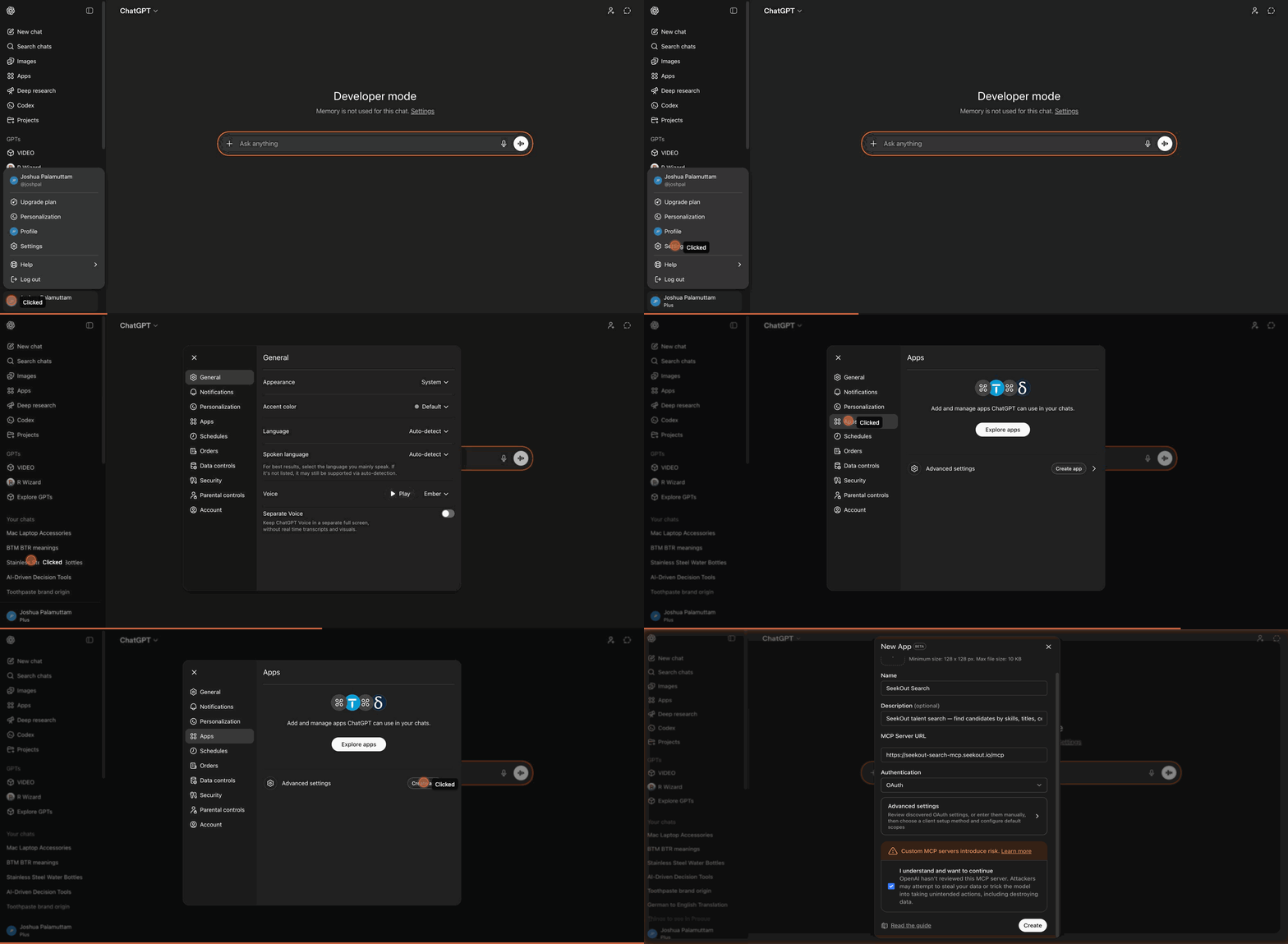
Finding and opening the published SeekOut app in ChatGPT. Click to enlarge.